Helpdesk Schedule
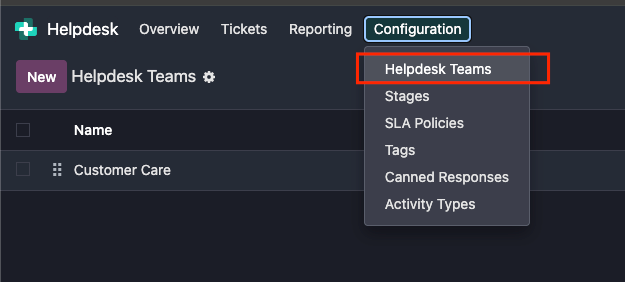
Go to Helpdesk > Configuration > Helpdesk Teams
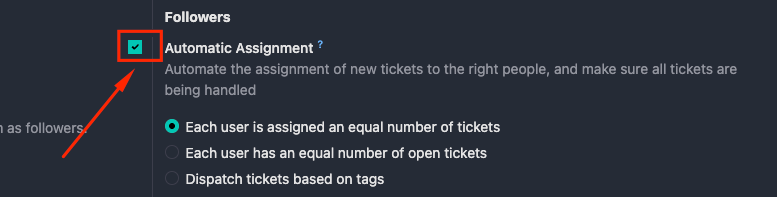
Select a team then make sure Automatic Assignment is checked.
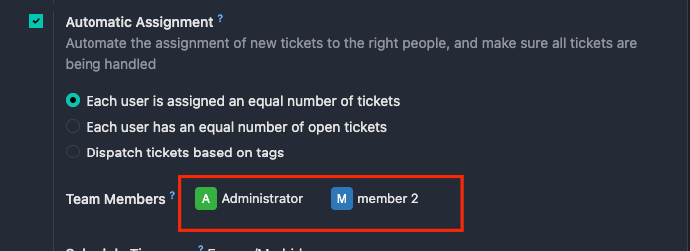
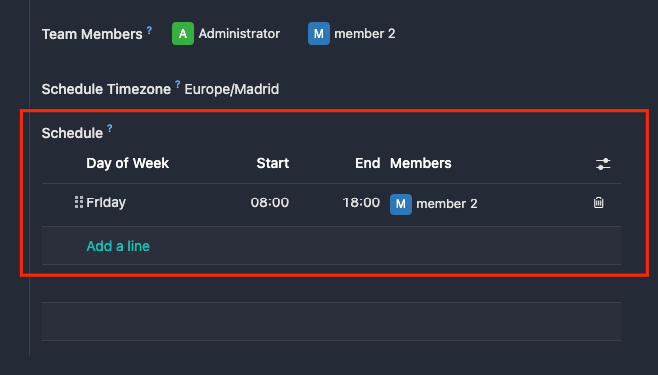
Add the team members.
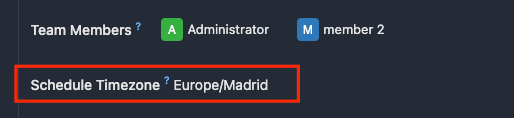
Ensure the timezone is correct.
Finally, add the schedule for each team member.
Notes:
- The scheduler still respects the team members’ time off dates and working schedules. If a member is on time off, the next available member will be selected by default.